The problem
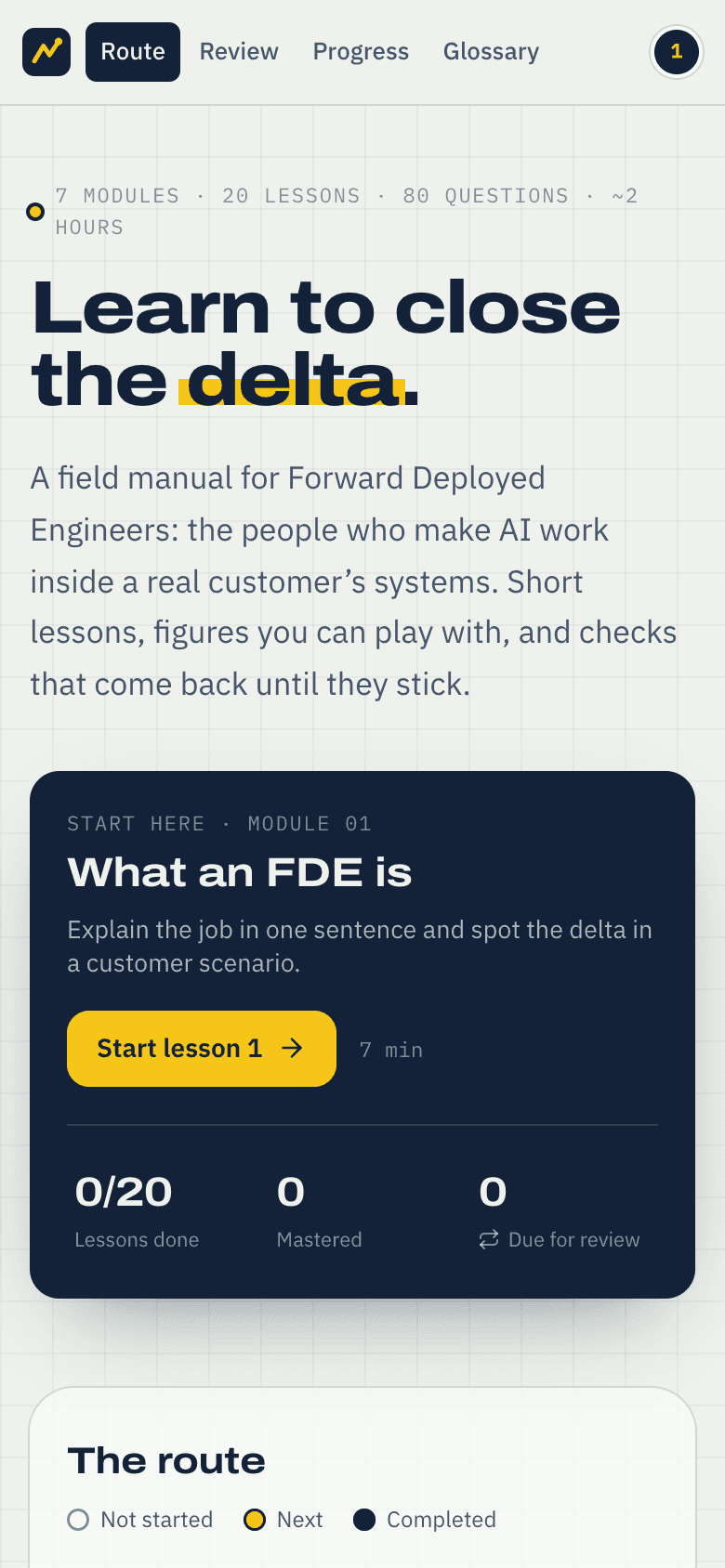
A Forward Deployed Engineer makes AI work inside a real customer's systems. The role mixes discovery, integration, AI engineering, evals, shipping and business. The roadmap.sh roadmap maps what the role needs. A map is not a course, though, and what you read once is soon gone.
The FDE Field Manual follows that roadmap's structure with its own lessons, figures and questions. Each lesson ends with a check, and every question comes back later until you answer it right.
What it does
- A route through the role. 7 modules and 20 lessons, from what an FDE is to writing an executive update, about 2 hours in all. Each lesson starts with what you will be able to do and ends with takeaways, and 19 of the 20 link to further reading.
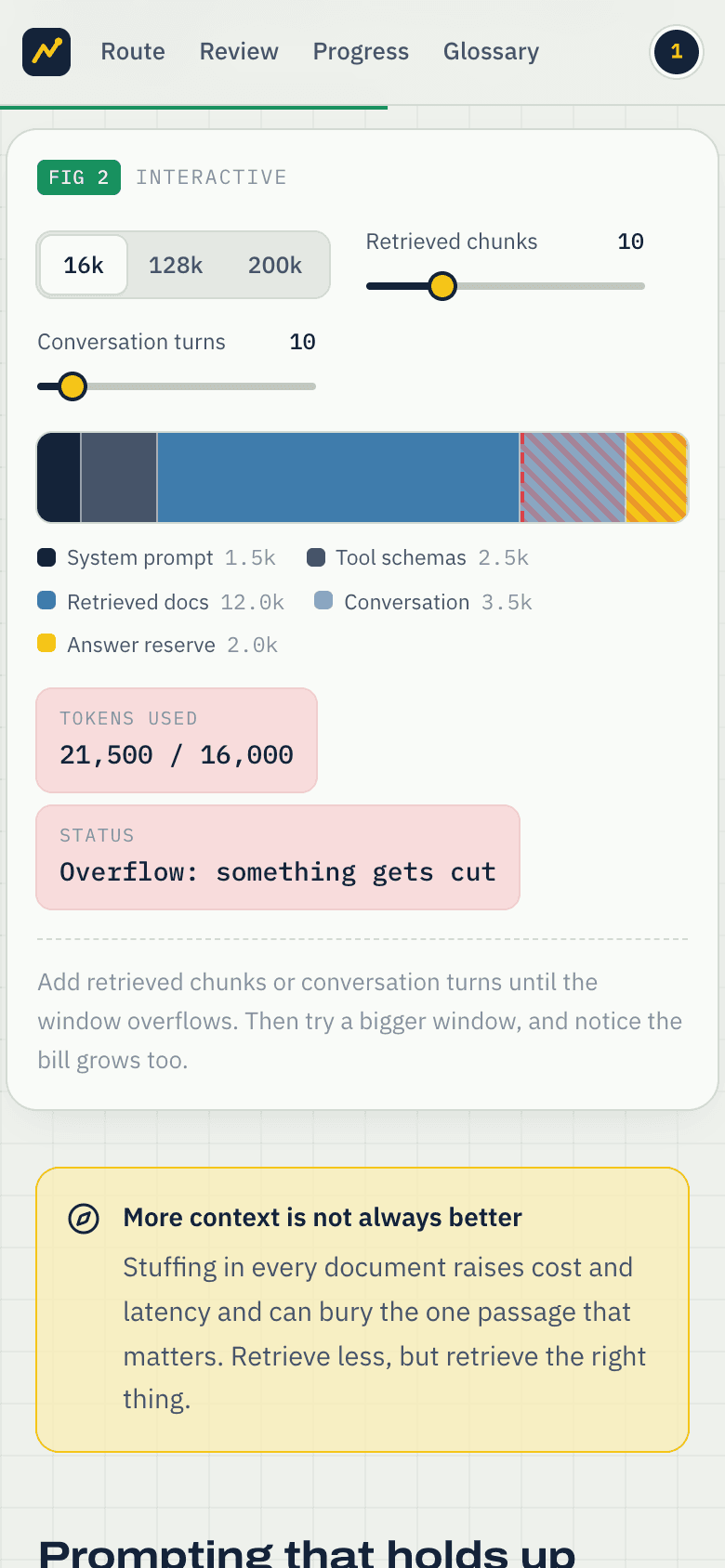
- 26 interactive figures. Every lesson has at least one: drag a slider until a context window overflows, click through a trace to find why an agent booked the wrong week, or turn on prompt-injection defences one layer at a time.
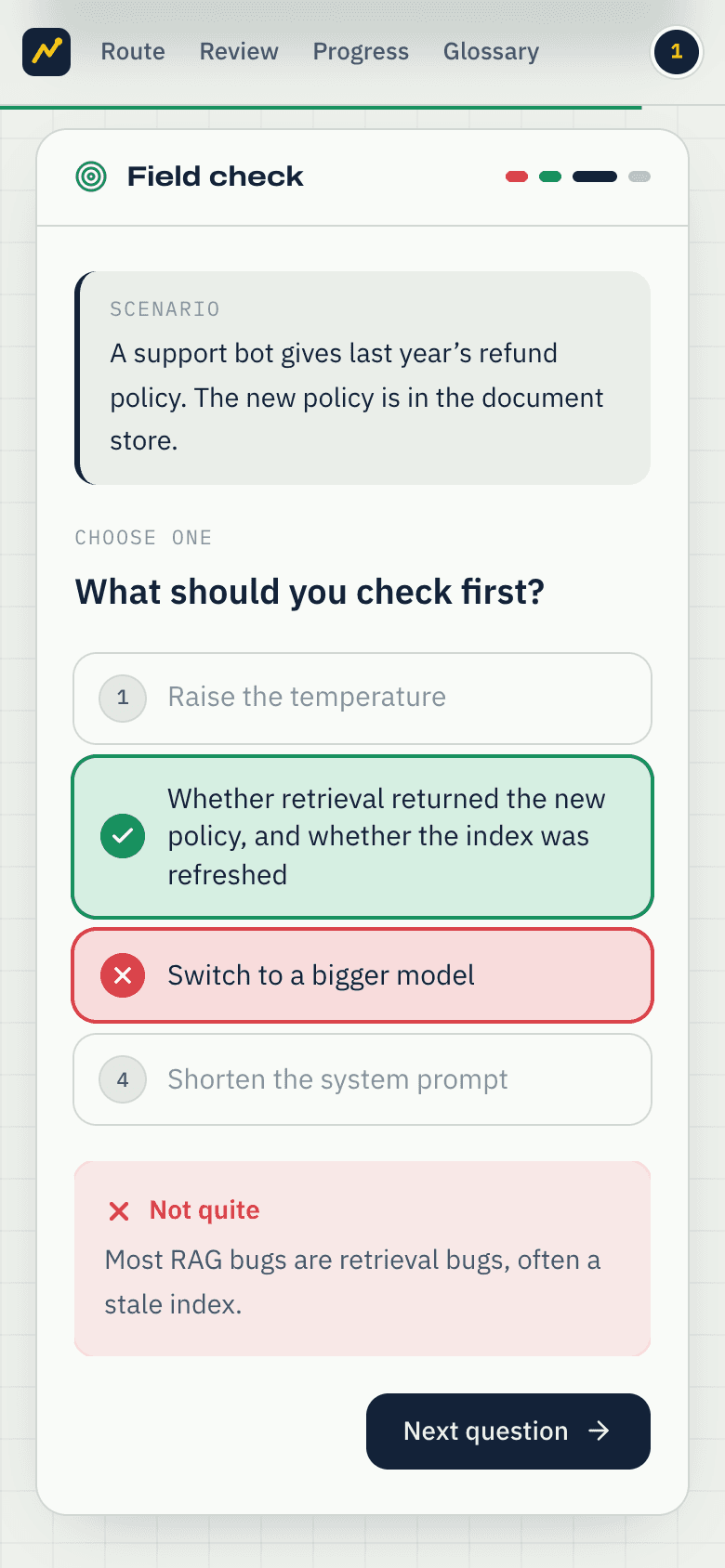
- Field checks. Each lesson ends with 3 to 5 questions: pick one, pick all that apply, or put steps in order. 14 of the 80 questions start from a scenario. 80% or more masters the lesson.
- Spaced review. Every answered question becomes a review card. The Review tab shows how many cards are due and plays them back.
- A record of your progress. XP, levels, a daily streak, a 26-week activity grid, progress per module, and a glossary of 38 terms that each link to the lesson that teaches them.
Decisions
The course is data
Lessons are typed objects, not pages. A lesson body is a list of seven kinds of block, such as a paragraph, a callout, a comparison table or a figure. A lesson names a figure by its ID, and the ID type is built from the figure registry, so a lesson that names a missing figure fails the type check. A content test checks that every lesson has at least three questions, that every answer points to an option that exists, and that every glossary term links to a real lesson.
Progress rules are pure functions
Spaced review, streaks, XP and levels live in one file with no React and no storage, so they are tested with plain inputs. A day is the learner's local date, not UTC. A streak counts back from today, but when today has no activity yet it counts from yesterday, so opening the app in the morning does not break it. The tests cover due dates that cross a month end.
The browser keeps IDs and scores
Progress is a Zustand store saved to localStorage. It holds no course content, only per lesson its dates, attempts and best score, review cards by question ID, XP per day, total XP and the last lesson opened. The next lesson, the due count, mastery and the module bars are all worked out from that data and the course content each time. A question's ID is its place in the lesson, such as ai-engineering/rag#2.
A missed question comes back today
Review uses five Leitner boxes. A right answer moves a card up one box, due again in 1, 3, 7, 14 and then 30 days. A wrong answer sends it back to box 1, due the same day. A review session takes up to 12 due cards, lowest box first, and freezes that list when it starts, so answering a card does not reshuffle the rest. A card whose question was removed from the course is skipped.
Questions grade strictly
A pick-all question is right only when the exact set is picked, in any order. Put-in-order questions are shuffled from a seed built from the question's ID, so the list does not jump around on every render. When the shuffle comes out already solved, it is rotated. Keys 1 to 9 pick an option and Enter checks or moves on. A held-down key is ignored, so it cannot toggle an option on and off.
One kit for 26 figures
Every figure is a small React component drawn in SVG or HTML from one shared kit: a stage, sliders, a segmented switch, toggles, a stepper and a readout. They share one palette: navy lines, paper fills, the module's colour for structure and yellow for the thing to look at. The figures load with the lesson page as a separate chunk, and animations follow the reader's reduced-motion setting.
Shipping
npm test runs 13 Vitest tests in three files: the progress rules, the grading and the course content. The build type-checks before Vite bundles, and oxlint checks the React hook rules. There is no CI yet, so these run by hand.
Vercel serves the static build. Every path rewrites to the app, so a link straight to a lesson opens that lesson.
Limits
- Progress stays in one browser. There are no accounts and no sync. The Progress page exports and imports a JSON file to move to another device, and the import checks only the file's basic shape.
- Reordering questions moves review history. A card's ID is its question's place in the lesson, so inserting or reordering questions attaches old review history to a different question.
- Some figures are small on a phone. The trace and prompt-injection figures are fixed-width drawings that scale down to fit, and their labels get hard to read on a phone.
- The course text loads up front. All 20 lessons are in the first script: 610 kB, or 198 kB compressed. Only the lesson page and its figures load later.